Presentation Template - Marketize: A Versatile Design Tool
Creating a compelling visual narrative is often the difference between a pitch that lands and one that falls flat. For professionals, creatives, and entrepreneurs, the challenge usually isn't a lack of ideas but rather the time and design skills required to execute them visually. This is where Presentation Template - Marketize serves as a practical solution. It is more than just a collection of pre-designed slides; it is a comprehensive design system built specifically for PowerPoint that bridges the gap between high-end graphic design and everyday business communication.
At its core, this template provides a structured yet flexible framework for storytelling. Whether you are launching a startup, showcasing a photography portfolio, or reporting quarterly metrics to stakeholders, Marketize offers a cohesive aesthetic that maintains professionalism without sacrificing creativity. It eliminates the blank canvas paralysis, allowing users to focus entirely on refining their message rather than wrestling with alignment tools and color palettes.
Core Features That Streamline Workflow
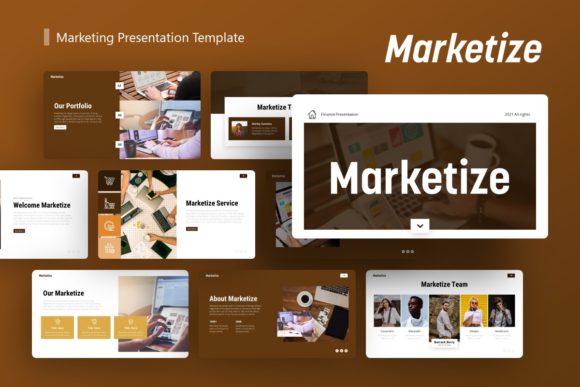
The true value of any presentation asset lies in its usability. Marketize is engineered with 36 unique slides per template, providing enough variety to handle complex narratives without becoming repetitive. However, the quantity of slides is secondary to how they function. The template is based on Master Slides, which is a critical feature for efficiency. Instead of formatting individual elements on every single page, changes made to the master slide propagate throughout the deck. This ensures global consistency in fonts, colors, and logo placement, saving hours of tedious manual adjustment.
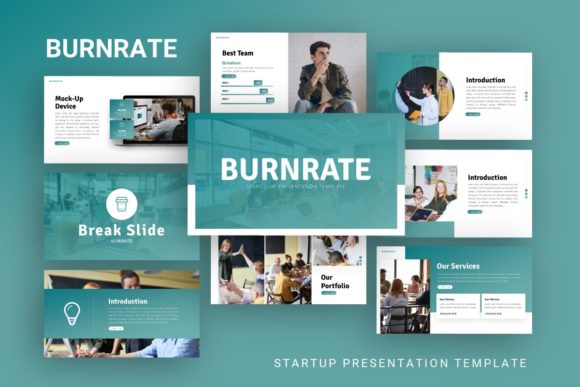
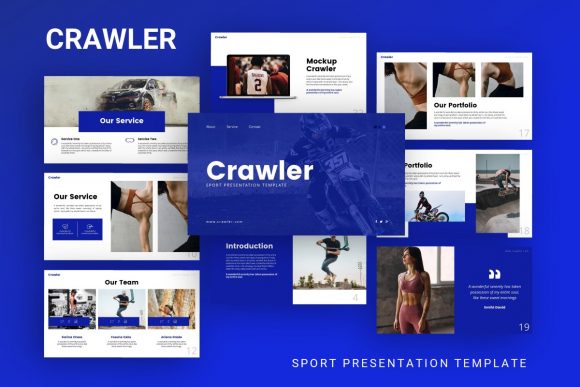
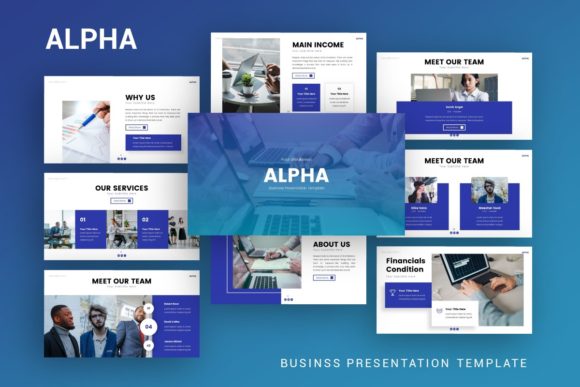
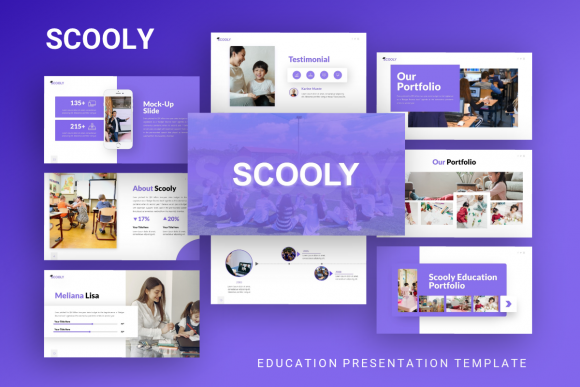
Visual data representation is another strong suit. The template includes handcrafted infographics that are fully editable within PowerPoint. Users do not need external vector software like Illustrator to modify charts or diagrams. Every graphic element is resizable and editable, meaning you can adapt a generic process flow chart to match your specific business model in minutes. Furthermore, the picture placeholder system utilizes a simple drag-and-drop mechanic. This allows even those with zero design experience to swap preview images for their own content instantly while maintaining the original layout’s integrity and aspect ratios.
Diverse Applications Across Industries
Versatility is the defining characteristic of Presentation Template - Marketize. It avoids being pigeonholed into a single niche, making it a valuable asset for a wide demographic of users aged 20 to 50. Understanding how to apply this tool in different contexts can maximize its return on investment.
- Creative Agencies and Portfolios: For designers and photographers, the template acts as a digital gallery. The clean layouts prioritize imagery, ensuring that creative work takes center stage without distracting decorative elements. It supports personal branding for freelancers who need to look as established as large firms.
- Startups and Pitch Decks: Investors review hundreds of decks annually. Marketize provides the polished, corporate structure necessary to convey trust, while the modern infographic styles help explain complex business models or market opportunities clearly. The 36-slide count covers everything from problem statements to financial projections.
- Corporate and Business Profiles: Established companies can utilize the template for internal training, client proposals, or annual reviews. The professional tone strikes a balance between authoritative and approachable, suitable for B2B communications where clarity is paramount.
- Educators and Content Creators: Beyond commerce, the template serves educational purposes. Lecturers and workshop leaders can use the varied layouts to break up dense information, using visual hierarchy to improve student retention and engagement during lessons.
Why Visual Consistency Matters for Beginners
For those new to presentation design, maintaining visual consistency is often the hardest hurdle. Inconsistent font sizes, misaligned images, and clashing colors can subconsciously signal a lack of attention to detail to an audience. Marketize solves this by enforcing design rules through its architecture. When a beginner uses this template, they are essentially collaborating with a professional designer who has already made the foundational decisions regarding spacing, typography, and color theory.
This guidance is particularly helpful for casual users or hobbyists who may be presenting at community events or local meetups. You do not need to understand grid systems or golden ratios to achieve a pixel-perfect result. The template does the heavy lifting, allowing the user to concentrate on public speaking and content delivery. This confidence boost is often just as valuable as the aesthetic improvement itself.
Important Considerations Before You Begin
While Presentation Template - Marketize is designed for ease of use, there are practical considerations to keep in mind to ensure a smooth experience. First and foremost, potential users must understand that all images shown in the demo are for preview purposes only and are not included in the downloadable files. You will need to source your own high-quality photography or graphics to populate the placeholders. Relying on low-resolution or watermarked stock photos can undermine the premium feel of the template, so plan your image assets accordingly.
Additionally, while the template includes vector icons and documentation, familiarity with basic PowerPoint functions is still beneficial. Understanding how to access the Slide Master view or how to group and ungroup objects will unlock the full potential of the editable graphics. The included documentation file is an essential resource here; skipping it is a common mistake that leads to frustration. Take ten minutes to read the guide before starting your first edit to understand the layer structure and customization limits.
Finally, consider the aspect ratio and display environment. Ensure the template dimensions match the screens or projectors you will be using. While graphics are resizable, stretching a 16:9 template to fit a 4:3 screen can distort carefully crafted illustrations. Always test your presentation on the target hardware beforehand to verify that text remains legible and animations perform smoothly.
Maximizing Value Through Customization
To truly make Marketize your own, go beyond simple text replacement. Use the color theme editor to align the deck with your specific brand guidelines. Because the template uses theme colors rather than hard-coded RGB values, updating the palette once will refresh every slide, chart, and icon automatically. This level of customization transforms a generic template into a bespoke communication tool.
Remember that the 36 slides are a menu, not a mandate. You do not need to use every layout. Select the ones that best support your specific narrative arc and delete the rest. A concise, focused 15-slide deck using Marketize is infinitely better than a bloated 36-slide presentation filled with filler content. Use the template’s structure to enhance your story, not to dictate its length. By approaching Presentation Template - Marketize as a flexible toolkit rather than a rigid form, users across all skill levels can produce professional-grade presentations that resonate with their audiences and achieve their strategic goals.